 Square Harmonics
Tone Explorer
Square Harmonics
Tone Explorer
Try namamp
Free Android beta. No iPhone version yet.
namamp plays NAM captures live on your Android phone or tablet. Plug your guitar or bass into a USB audio interface, connect it to the phone, and play. While it is in beta you install it through Google Play’s tester list: three steps, a few minutes.
-
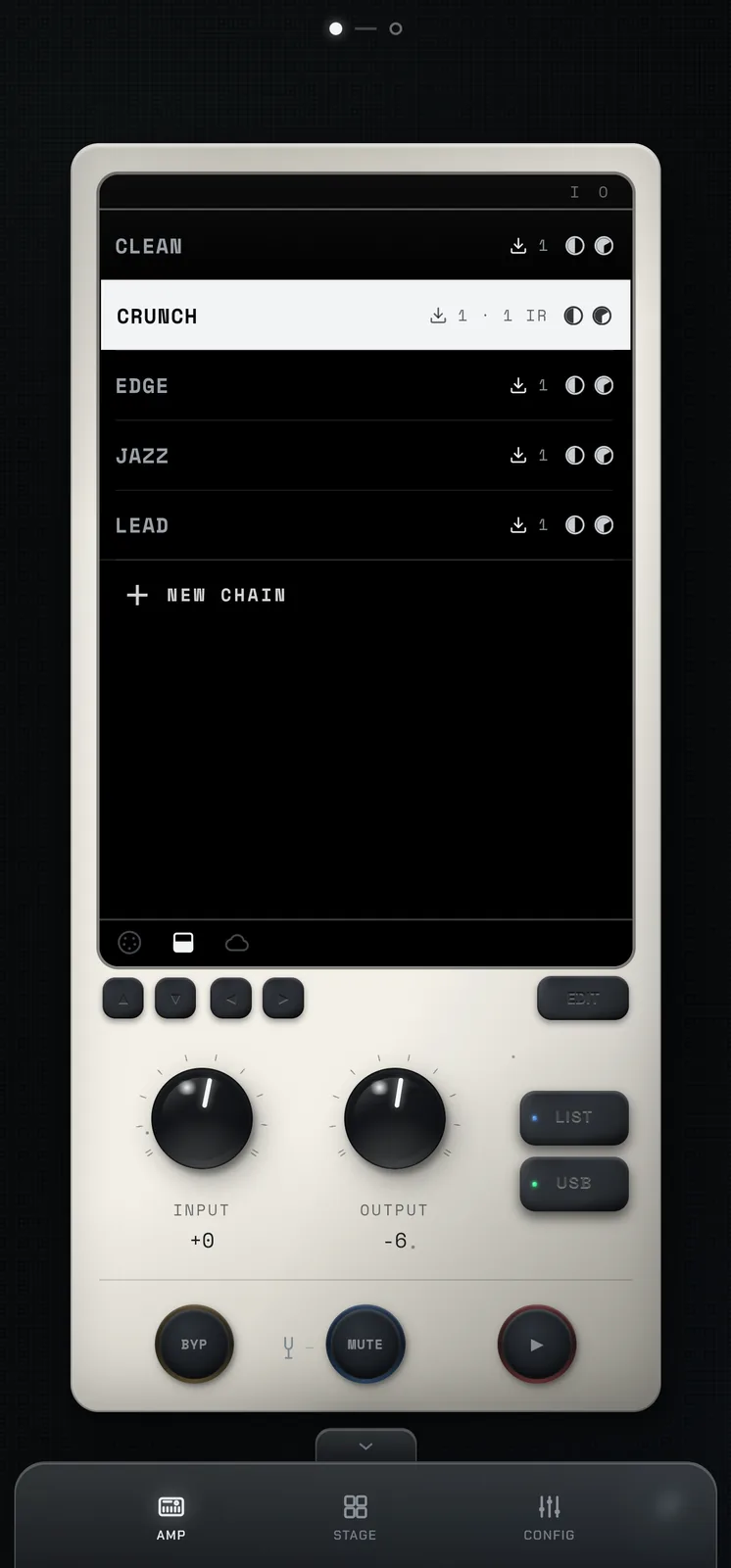
Your chains, one tap to switch. -
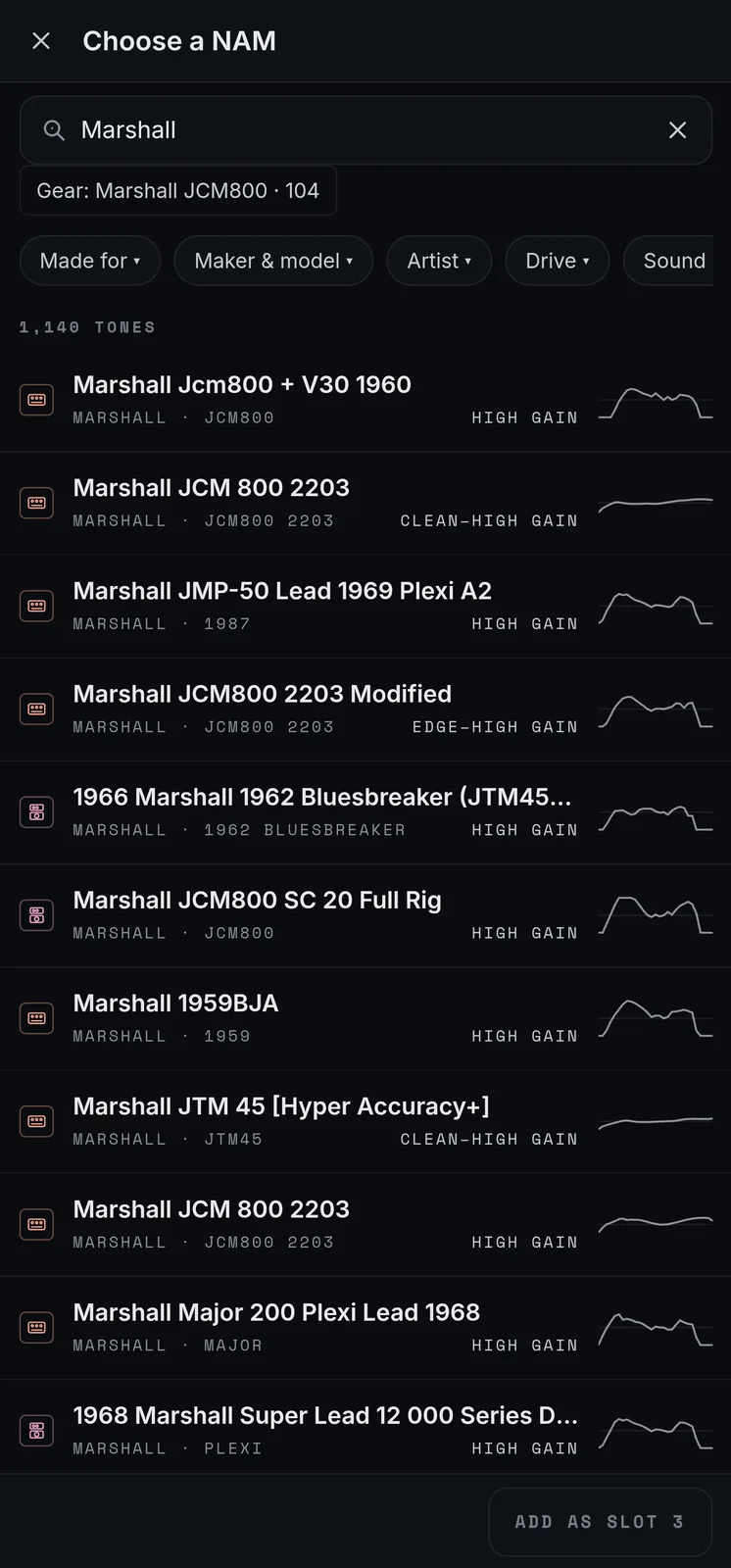
Find NAM captures from TONE3000.
What you need
An Android phone or tablet with USB-C, on Android 7.0 or newer, and a USB audio interface that works without a driver (“class-compliant”; most do). The interface is required: namamp does not use the phone’s microphone.
On a computer? Do steps 1 and 2 here, then open Google Play with step 3’s button, choose Install and pick your phone.
-
Step 1: Join the tester group
Tap “Join group”, using the Google account on your Android phone (the one its Play Store uses).
Join the Google GroupJoining is instant. Then come back to this page.
-
Step 2: Opt in as a tester
Same account. On the page that opens, tap “Become a tester”. It shows only once you have joined the group: if you don’t see it, check that the account at the top right is the one from step 1, then reload.
Become a tester -
Step 3: Install it from Google Play
Open namamp on Google PlayPlay can take a few minutes to show the app after step 2. If it says the app isn’t available, check that the Play Store is on the same account (tap your picture at the top right).
Problems or ideas?
Email support@squareharmonics.com. The email opens with four short questions to answer.